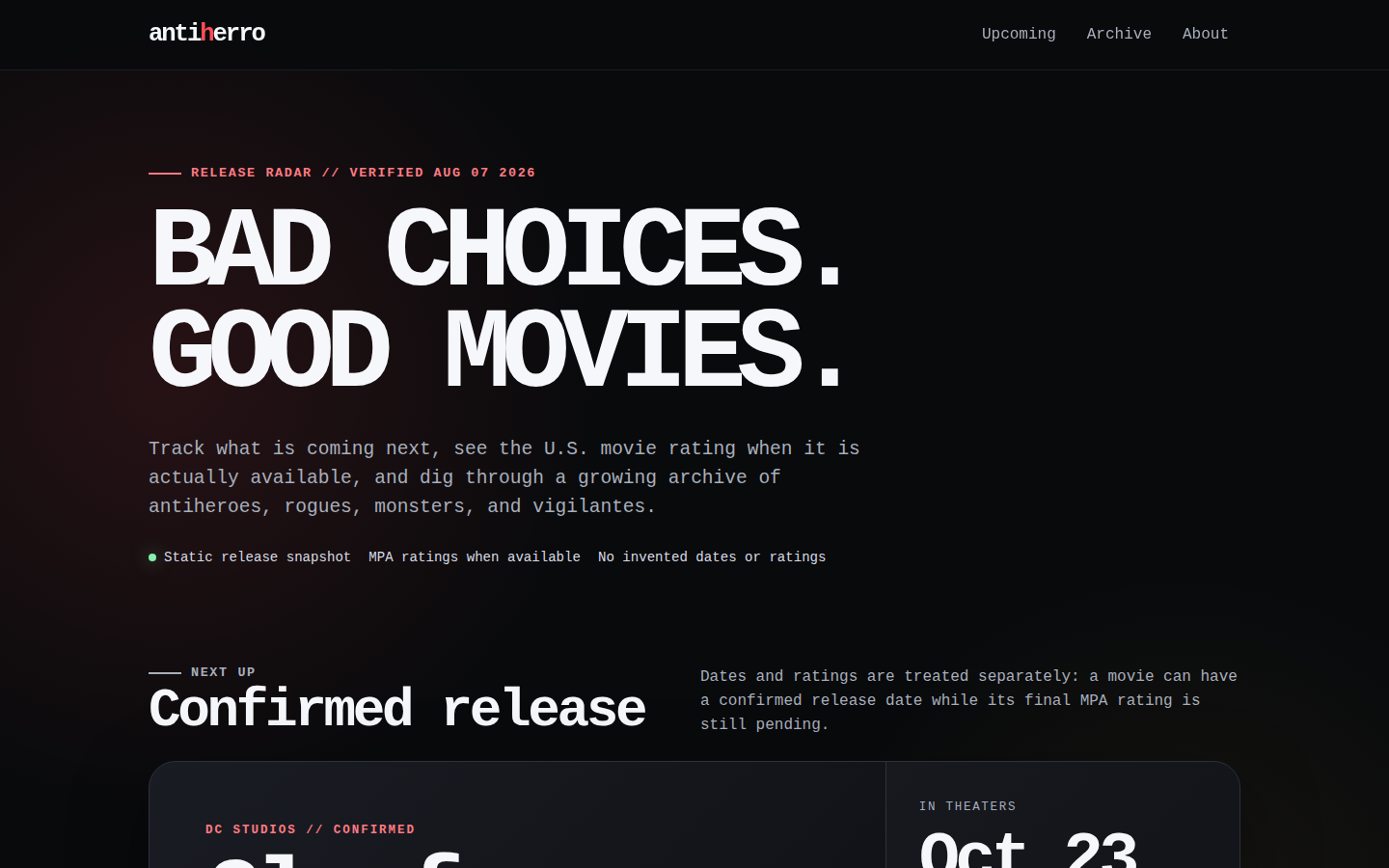
01Release radar
antiherro
Upcoming antihero movie dates, verified ratings, and an archive built for curious film fans.
Visit the live siteDon't have a ZIP yet? Describe the website once. Small Site gives you the exact prompt for ChatGPT, Claude, or Codex—including the files and packaging needed to publish it successfully.
Prompt builder and ZIP check are free · no account required · your website idea stays in this browser
PATH 1 · I NEED A WEBSITE
Describe the audience and what the website should contain. We add the exact Small Site build, security, manifest, and ZIP requirements your AI needs.
Good: “Create a one-page site for my ceramics studio with class dates, prices, and an email link.”
Build and publish this as a Small Static Site v1 (small-static-site/1).

The platform accepts only an already-built static artifact. Run dependency installation and build commands locally. Never ask the platform to run source code, npm, a build script, a container, or an application process.

Choose the smallest authoring approach:
1. Default to semantic HTML, CSS, and JavaScript in site/.
2. Use React + TypeScript + Vite only for meaningful browser-side interaction and state.
3. Preserve Next.js, Vue/Vite, or Astro only when the project produces fully static dist/ output. Next must use output: "export"; Astro must use static output.

Supported framework values are exactly: plain, react-vite, next-static, vue-vite, astro-static.

Create small-site.json at the project root. It is a closed manifest: do not add keys. Use spec "small-static-site/1", a 3–48 character lowercase slug for name, basePath "/", no public build variables, and quality.accessibility "WCAG2.2-AA".

For a plain site, use build { "profile": "static-files", "source": "site", "output": "site" }. Include site/index.html and site/404.html.

For a framework site, use build { "profile": "node-static", "runtime": "nodejs-24.18.0", "packageManager": "npm-11.16.0", "install": "npm ci", "command": "npm run build", "output": "dist" }. Build locally and inspect dist/ before publishing.

Use file routing with 404.html by default. Only React/Vite or Vue/Vite may use SPA routing with fallback index.html. Self-host scripts, styles, images, and fonts. Small Site serves the finished site with style-src 'self' and does not allow 'unsafe-inline'. Put all CSS in self-hosted .css files. Never create style attributes or style elements, mutate element.style, use CSS-in-JS, or use a library that injects runtime style elements. Use CSS classes for visual states. External scripts and styles, inline event handlers, form submissions, service workers, WebAssembly, source maps, secrets, private URLs, SSR, API routes, databases, filesystem writes, background jobs, WebSockets, Dockerfiles, and executable files are prohibited.

Declare only exact public HTTPS origins genuinely needed in network.connect, images, media, fonts, or frames. Use empty arrays otherwise. The platform compiles these declarations into Content Security Policy; do not provide raw headers.

Create small-site-upload.zip with no wrapper directory. Its root must contain exactly small-site.json plus the declared site/ or dist/ output. Do not include source files, node_modules, lockfiles, caches, symlinks, nested archives, or files outside the output directory. Limits: 30 MiB ZIP, 25 MiB unpacked, 2,000 output files, and 5 MiB per file.

Before finishing:
- run the local build when applicable;
- verify index.html, routing, local links, assets, metadata, responsive layout, keyboard access, visible focus, reduced-motion behavior, and content accuracy;
- if Small Site tools are available, call small_site_check and fix every reported problem, then call small_site_publish with the project path and one stable idempotency key;
- omit siteId unless the customer explicitly selected a different existing site: the publish tool reads small-site.json, updates the owned site with the matching slug, or creates it from the manifest when absent, subject to the account's billing and active-site limit;
- otherwise produce the validated ZIP for dashboard upload and explain that it contains static output only.

Do not claim the site is published until the publish tool or dashboard returns an active deployment and stable URL.Already have the finished files? Check your ZIP free
THE WHOLE WORKFLOW
You do not need to know the file format or deployment rules first. The generated prompt carries those instructions into your coding agent.
A useful sentence about the audience and content is enough to begin.
Your AI receives the design brief plus every required static-file and ZIP rule.
Validate its manifest, files, limits, and browser security without creating an account.
Create an immutable release with a stable URL and dashboard rollback.
BUILT ON RW0.IO
Live examples from the beta: designed by coding agents, published as bounded static files, and served from content-addressed objects in DigitalOcean Spaces.
Upcoming antihero movie dates, verified ratings, and an archive built for curious film fans.
Visit the live site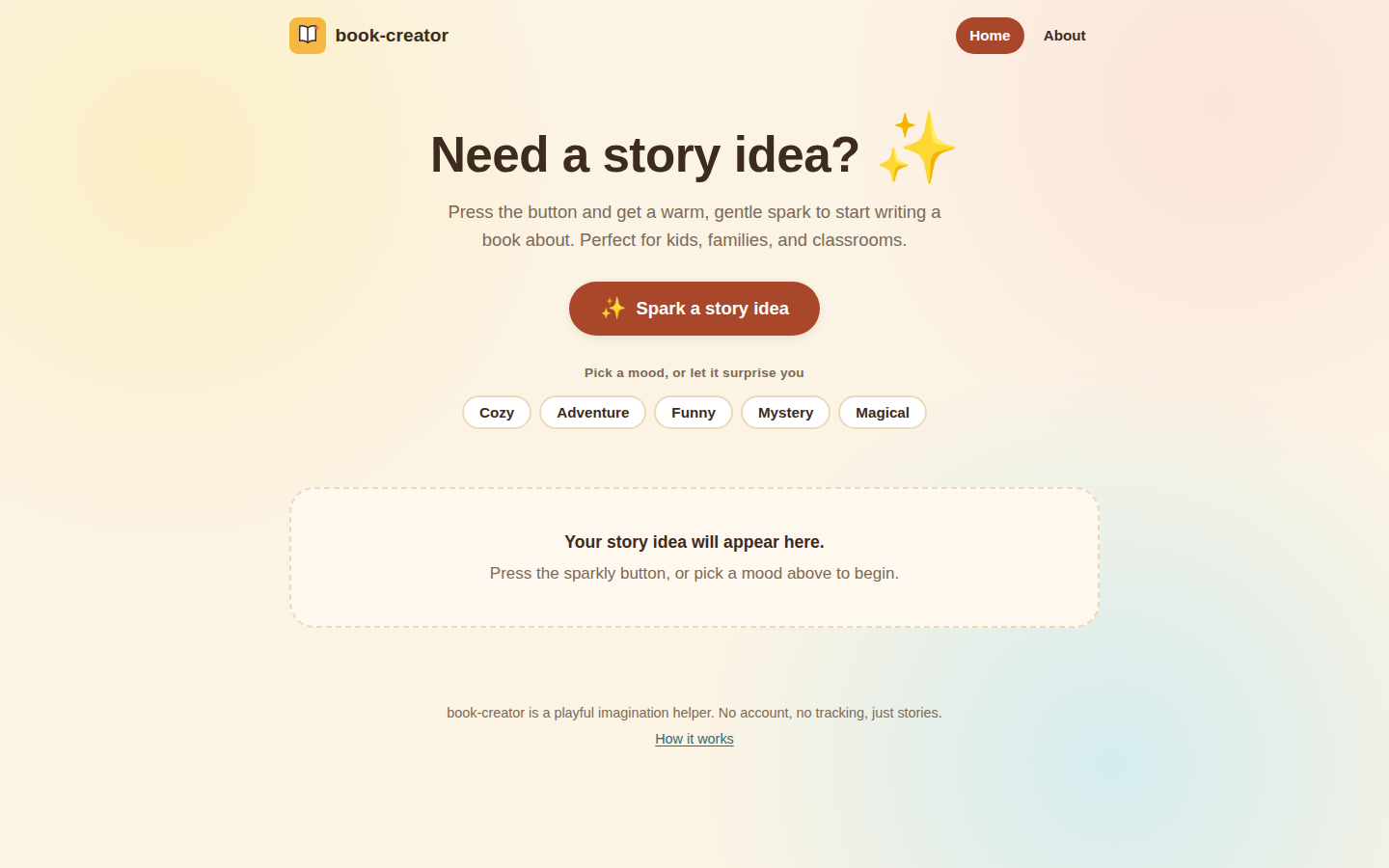
A warm, kid-friendly idea generator that gives young writers a gentle spark for their next story.
Visit the live site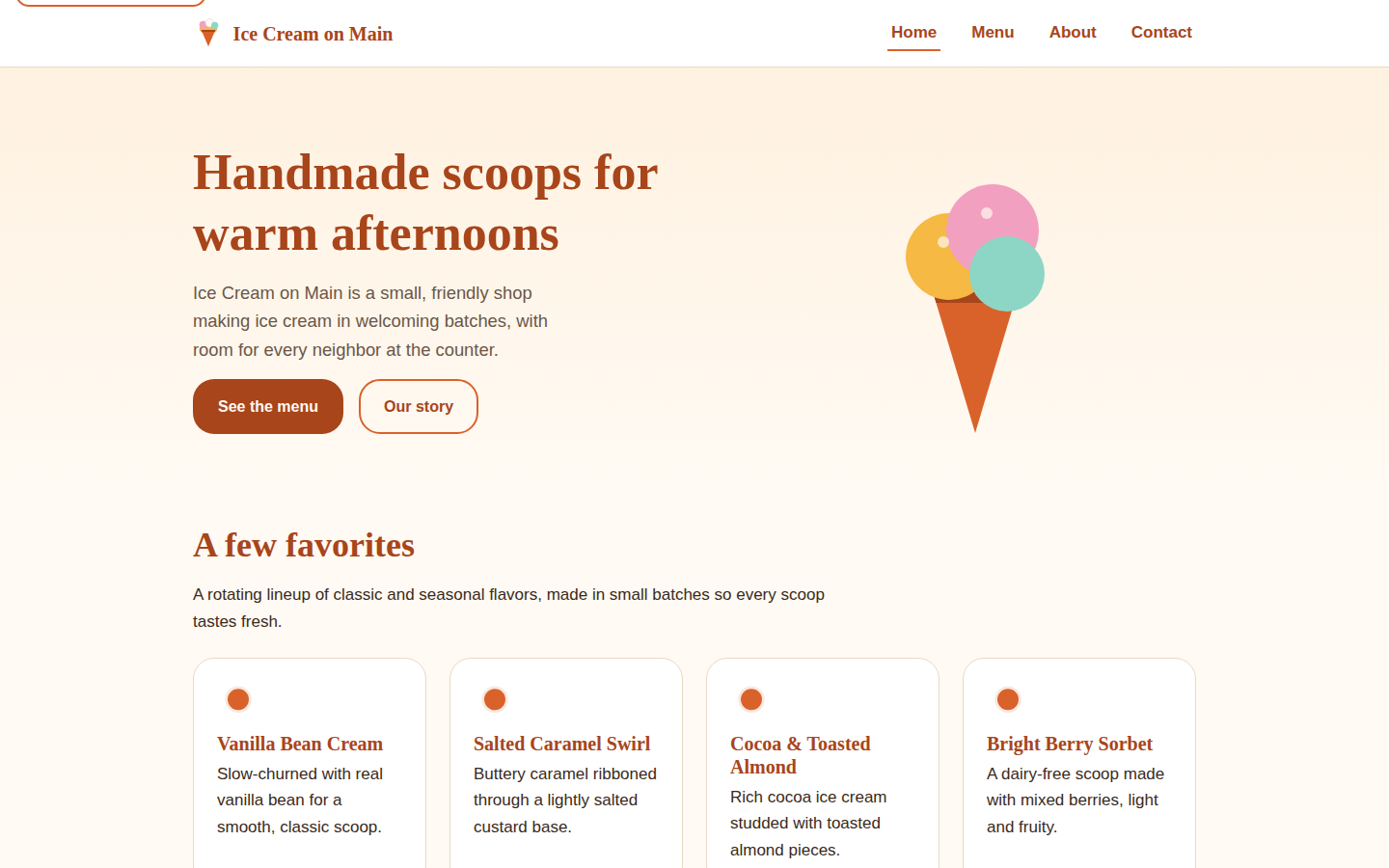
A welcoming neighborhood shop site with its menu, story, contact details, and handmade-scoop personality.
Visit the live siteSwipe or use the arrows to explore each live site.
PUT THE FINISHED FILES ONLINE
Already have files? Use the free checker, then open the focused guide that matches your ZIP or validation error.
Check a finished ZIPFrom prompt to built ZIP to a real public URL, using the production Afterglow walkthrough and the exact static-site boundary.
Turn a website made with Claude into a validated static ZIP and a public HTTPS URL without giving the host your source project.
Read guide CHATGPT HTML TO HTTPSPackage HTML, CSS, JavaScript, and images generated with ChatGPT into a safe static website and publish it at a stable public URL.
Read guide NO REPOSITORY REQUIREDPublish a finished static website ZIP directly, with validation and immutable releases, without connecting a GitHub repository.
Read guide UPLOAD THE BUILD OUTPUTFor a Vite website, build locally and upload the generated dist directory—not src, node_modules, or the development project.
Read guide CONTENT SECURITY POLICYMove inline CSS into a local stylesheet so an AI-built static site works under Small Site's strict style-src 'self' Content Security Policy.
Read guide NEXT.JS STATIC COMPATIBILITYMake an existing Next.js project genuinely static, rebuild with the compatible bundler, and package only its exported dist output.
Read guideTHE REAL FOUR-TOOL MCP BOUNDARY
Customer source and build commands never run on Small Site. The customer API remains authoritative for identity, ownership, billing, token scopes, and active-site limits.
Token creation, rollback, deletion, invitations, and account changes stay human-controlled. Rollback is available in the dashboard, not through MCP.
small_site_checkValidates a project beneath SMALL_MCP_PROJECT_ROOT without uploading or mutating remote state.small_site_publishValidates and packages locally, then creates or updates from small-site.json. Omit siteId and reuse one stable idempotency key by default.small_site_statusConfirms the owned site's active immutable release and stable URL.small_site_listProvides read-only discovery of owned sites and current usage.Current public distribution verified 2026-08-23: Registry io.github.dot-billy/small-site, version 0.5.0, bundle SHA-256 09356aabe43311d0a61bc9d318fcca66dfe842c1500c9b239178744e9c0eb83e.
ONE OUTPUT, FIVE RECIPES
Every recipe builds locally and ends as ordinary static files. The platform never installs dependencies or runs customer source.
The default for small, presentational sites.
STATIC OUTPUTFor meaningful browser interaction and state.
STATIC OUTPUTExisting Next projects, exported without a server.
STATIC OUTPUTA supported client-side alternative.
STATIC OUTPUTFor content-rich, multi-page sites.
STATIC OUTPUTA DELIBERATE BOUNDARY
FOUNDING BETA OFFER
Small Site is open to an initial capacity of 25 paid founding-beta customers while we continue proving the publishing, billing, recovery, and support loop.
Keep the beta price while this exact subscription remains continuously active. New subscriptions after beta are expected to be $19 USD/month.
PUBLIC FOUNDING BETA
We will turn it into the exact prompt your AI needs. If the finished ZIP is already on your device, you can skip straight to the free check.